Choose the widgets on your Location dashboard (Today page)
Using widgets, Managers can customize their Today page dashboard so that they see the content they’re most interested in right when they log into TimeForge. Widgets are interactive: they can be moved around, resized, and selected to best suit your needs. They are designed to provide useful information at-a-glance while also making it easy to navigate to the in-depth details when needed.
There are widgets for both the Location tab (only available to management) and the Personal tab (available to everyone).
- Location widgets provide managers with useful information pertaining to that store or location, such as employee schedules, pending shift swaps awaiting manager approval, pending requests, employee birthdays, job applicants, daily log entries, labor costs, weekly sales, and other metrics.
- Personal widgets provide employees with helpful reminders, information, and shortcuts, such as my requests, messages, HR documents, clock-in/out button, available shifts, and who else is scheduled to work.
This article provides a brief overview of each widget on the Location dashboard.
Select Add Widget
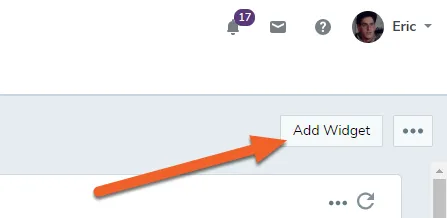
Section titled “Select Add Widget”To choose your widgets (including adding new widgets or removing the ones you don’t want), click the Add Widget button in the upper right.
Hover over a widget to Add or Remove
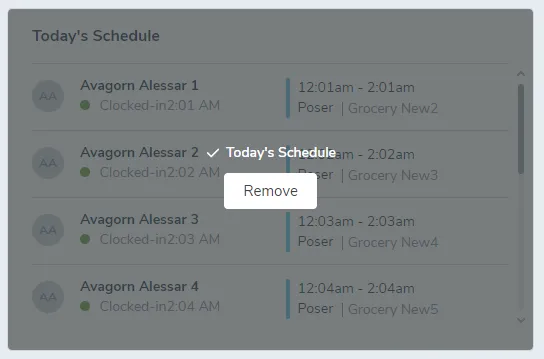
Section titled “Hover over a widget to Add or Remove”Active widgets (widgets already in use on your dashboard) will be gray with an option to Remove.
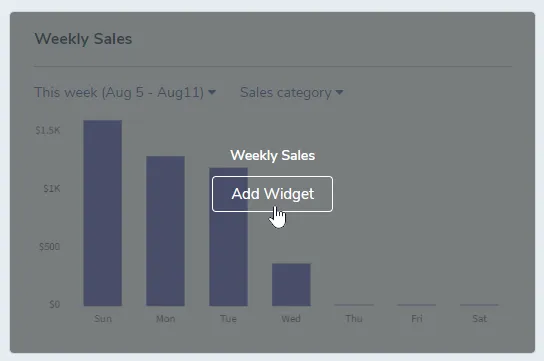
Inactive widgets will be white until you hover over them, which will make the Add Widget button appear.
Location Widgets Overview
As mentioned previously, location widgets are store-based widgets that provide useful information for management. Most are pretty self-explanatory, but we’ve provided a list of options and examples below.
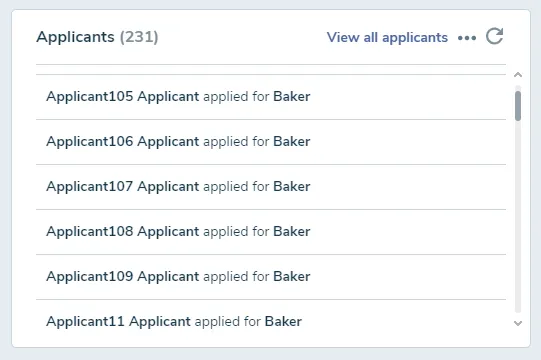
Applicants
Shows job applicants, with a link at the top to “View all applicants.”
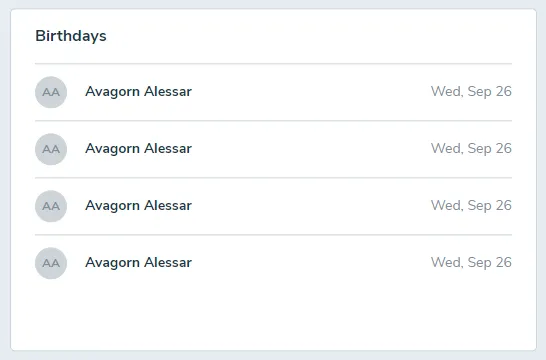
Birthdays
Shows staff members with upcoming birthdays.
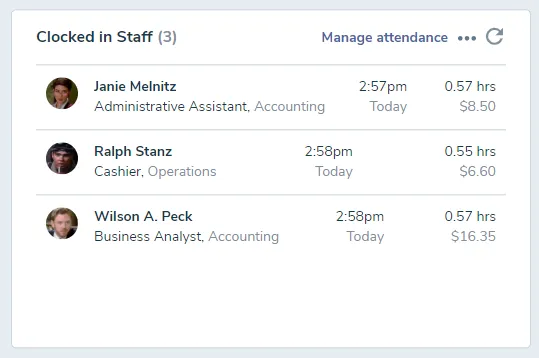
Clocked in Staff
Shows clocked-in staff, including time they clocked in and cost.
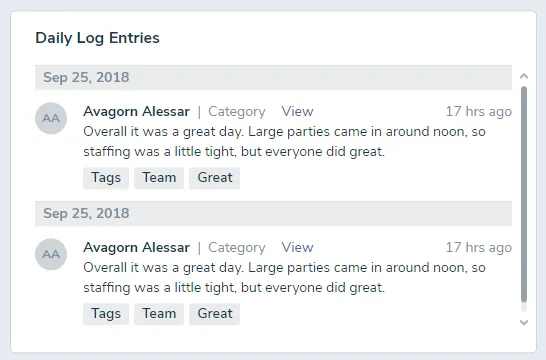
Daily Log Entries
Shows recent daily log entries, including audit and staff log information.
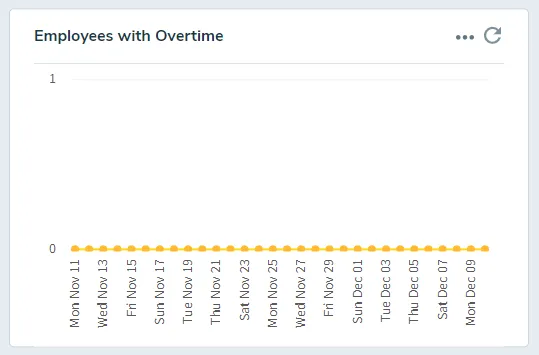
Employees with Overtime
Shows how many employees have accrued overtime, if any.
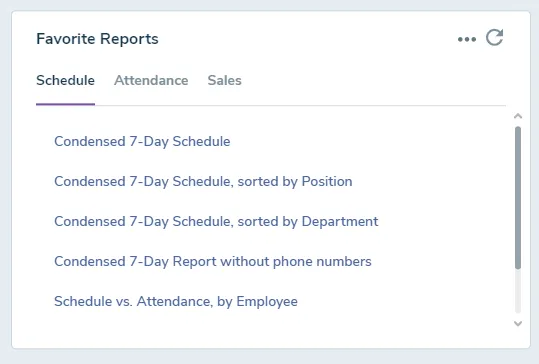
Favorite Reports
Shows your favorite Schedule, Attendance, and Sales reports.
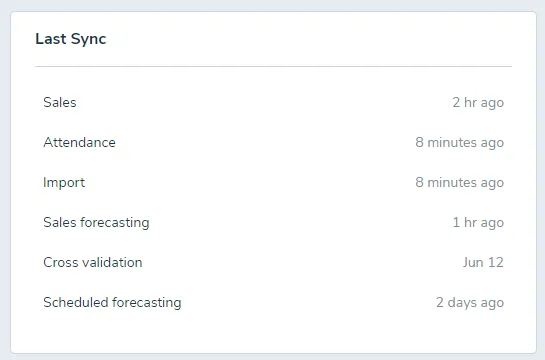
Last Sync
Shows information for the last sync of Sales data.
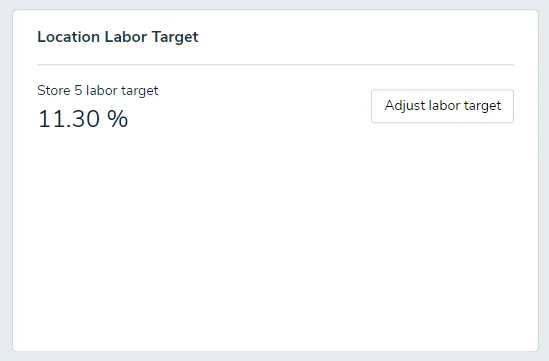
Location Labor Target
Shows the labor target for the selection location, with a button to adjust the target.
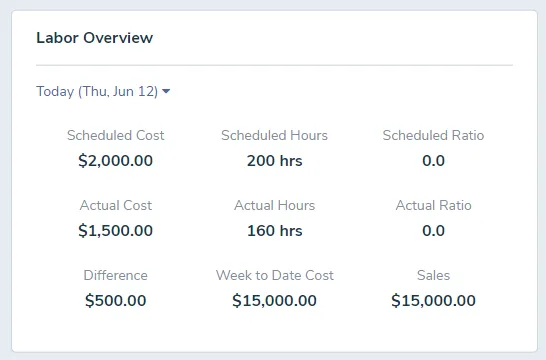
Labor Overview
Shows a labor overview for the selected date, including schedule hours/cost and actual hours/cost, and difference.
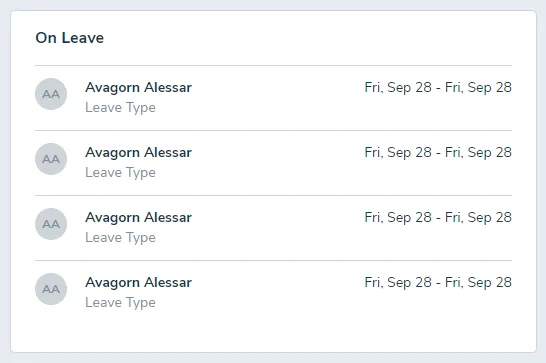
On Leave
Shows a list of employees on leave, including the dates and leave type (e.g. vacation, PTO, sick leave).
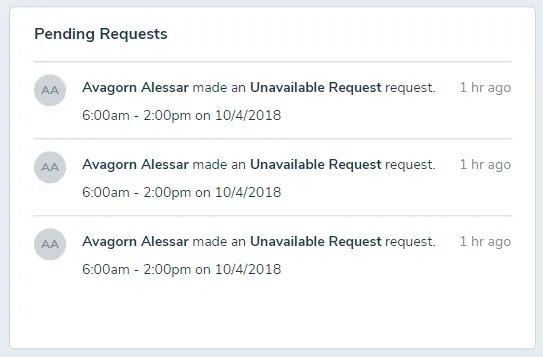
Pending Requests
Shows pending availability and time off requests from employees.
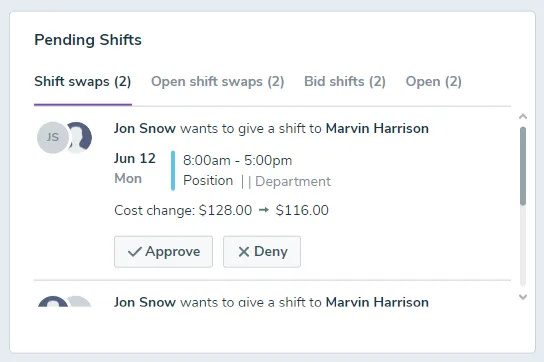
Pending Shifts
Shows pending shifts, including shift swaps, open shift swaps, bid shifts, and open shifts.
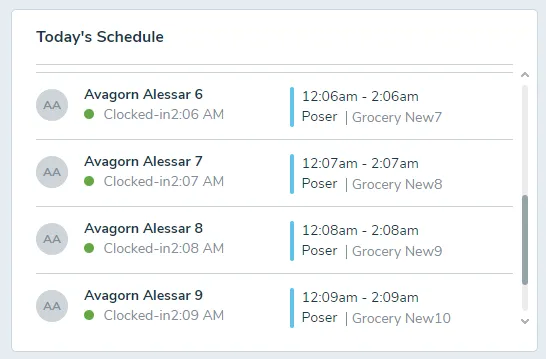
Today's Schedule
Shows a list of scheduled employees, whether and when each employee clocked in, the start and end times of each shift, as well as position and department information.
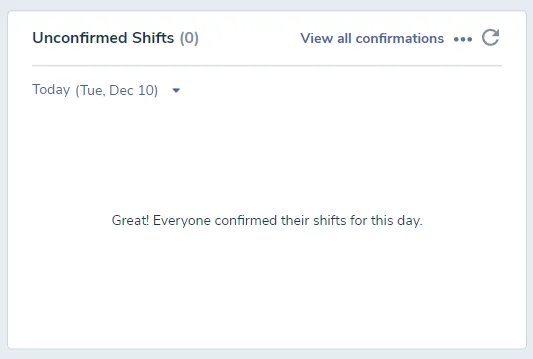
Unconfirmed Shifts
Shows a list of employees with unconfirmed shifts, if any.
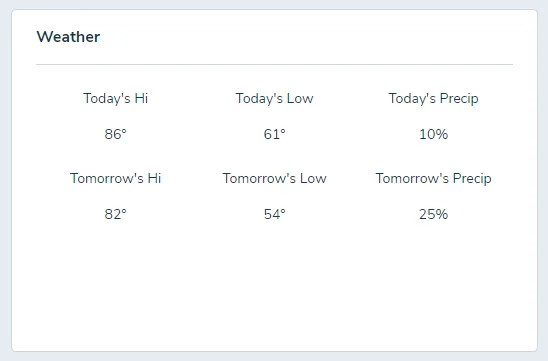
Weather
Shows the weather for that location.
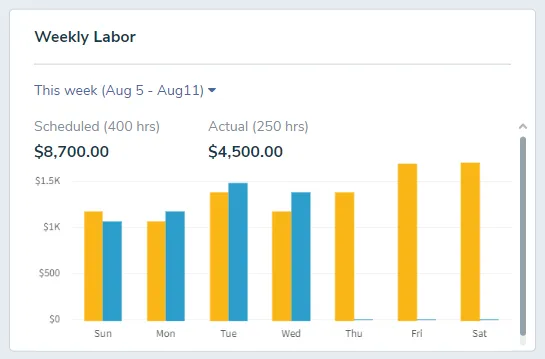
Weekly Labor Cost
Shows weekly labor for the selected week, for this location.
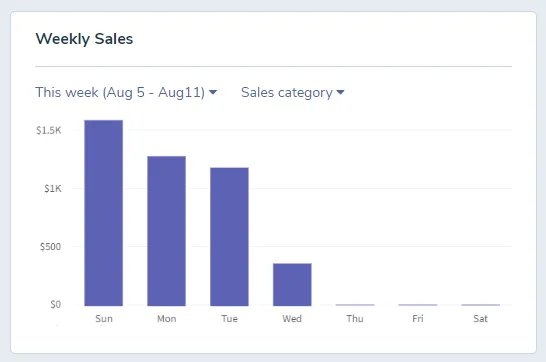
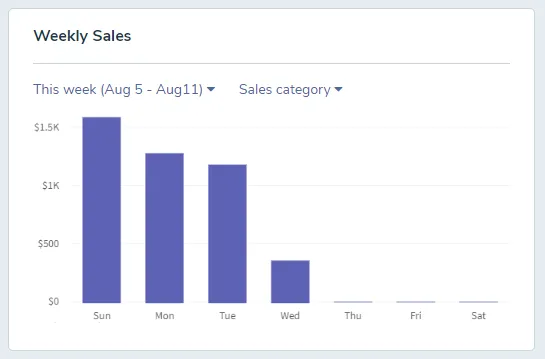
Weekly Sales
Shows weekly sales for the location. Can select a sales category to show sales for that category only.
Click Save to save your changes
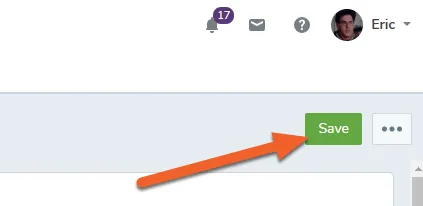
Section titled “Click Save to save your changes”Once you have added the widgets you want and removed the ones you don’t, simply click the Save button in the upper right to save your changes and return to your dashboard.