Read your messages
The TimeForge Manager mobile app allows you to read TimeForge messages through the app! Here’s how.
Tap the TODAY tile, then tap Messages
Section titled “Tap the TODAY tile, then tap Messages”Messages are accessible from the Today page in the app. From the home screen, tap TODAY.
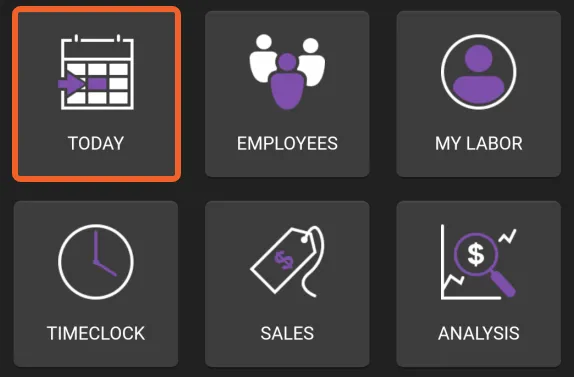
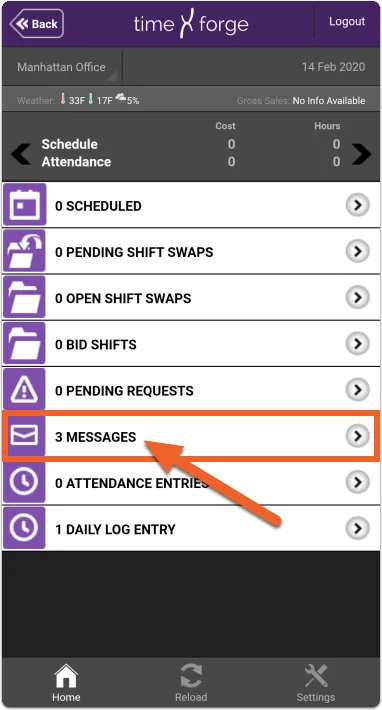
Then, tap Messages.
Select a message
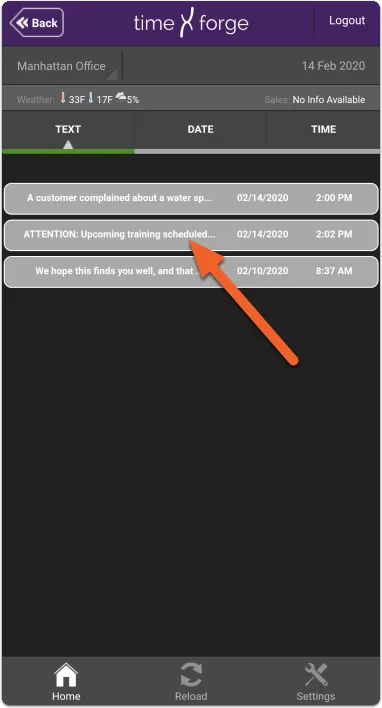
Section titled “Select a message”This will show you any messages you have for the selected date (by default, the current day, “today”). You can use the date selector in the upper right to choose a different date.
Tap on a message to read it.
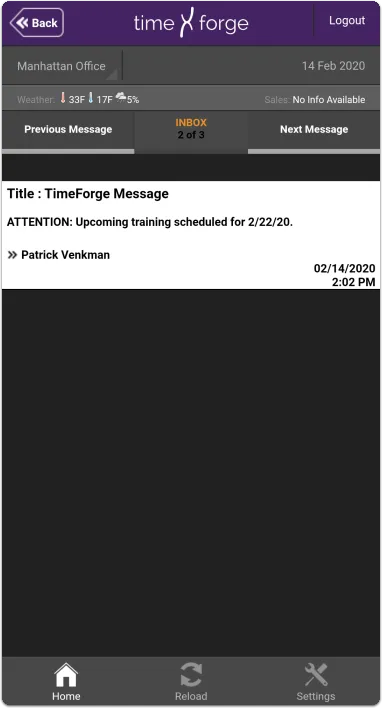
Read the message
Section titled “Read the message”The message will be displayed on your mobile device. You can use the buttons to the left and right to view the Previous Message or Next Message in the list.