Review your own schedule and attendance
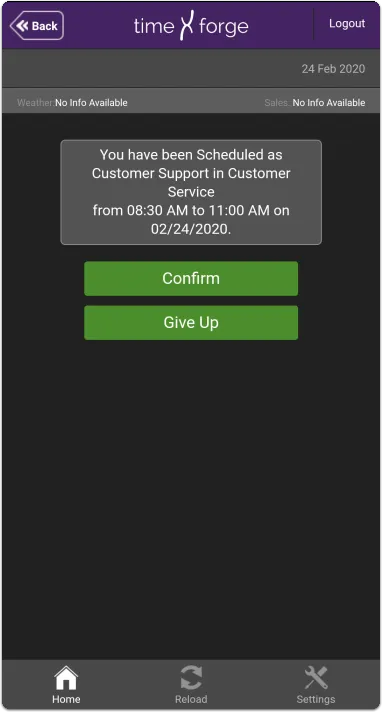
On the My Labor screen, you can view your own schedules and attendance. You can even confirm or give up shifts.
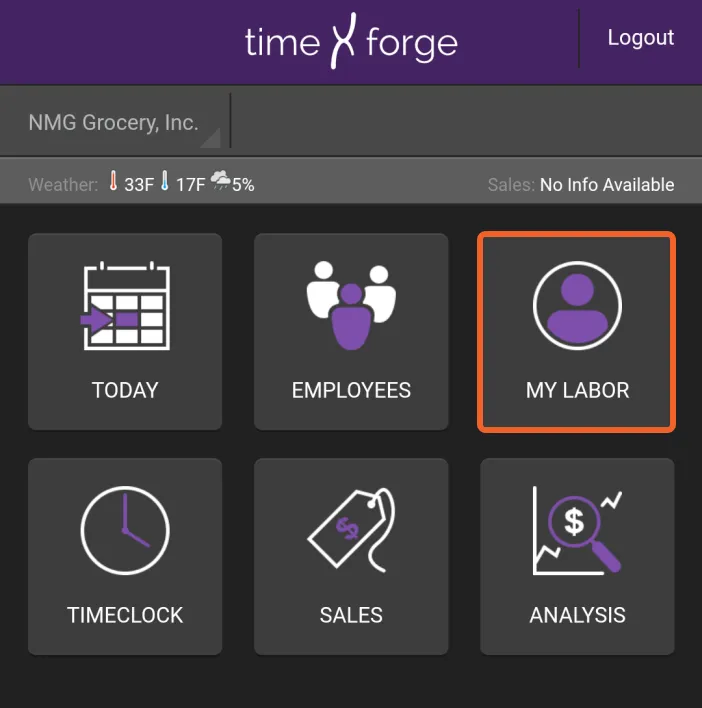
Tap the MY LABOR tile
Section titled “Tap the MY LABOR tile”From the home screen, tap the MY LABOR tile.
Select Schedule or Attendance
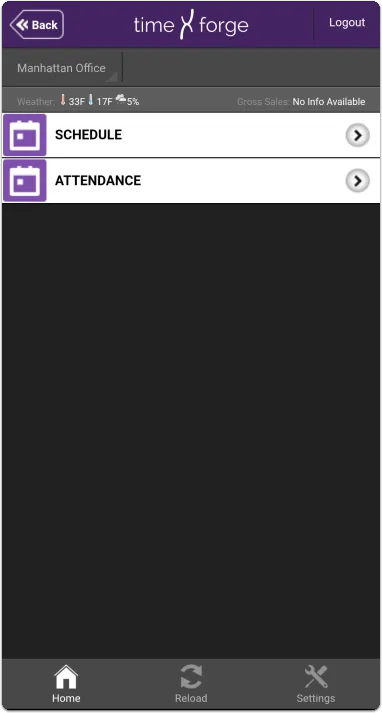
Section titled “Select Schedule or Attendance”You will have two options: SCHEDULE and ATTENDANCE. Note the location in the upper left.
Schedule
Section titled “Schedule”Under Schedule, you will see your shifts for the selected location and date. Remember, you can tap the date (upper right) to bring up the date selector.
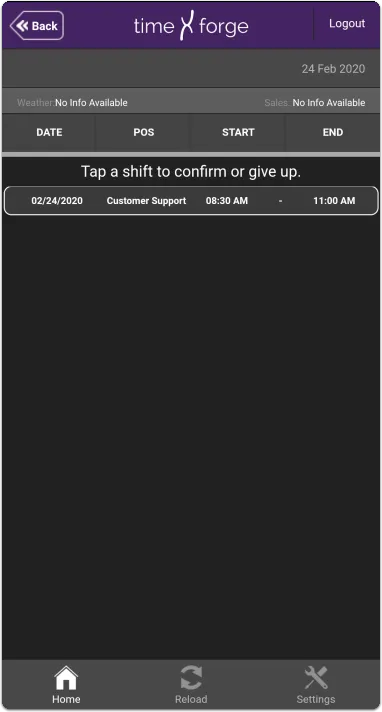
Tapping on a shift will present options to Confirm or Give Up.
Attendance
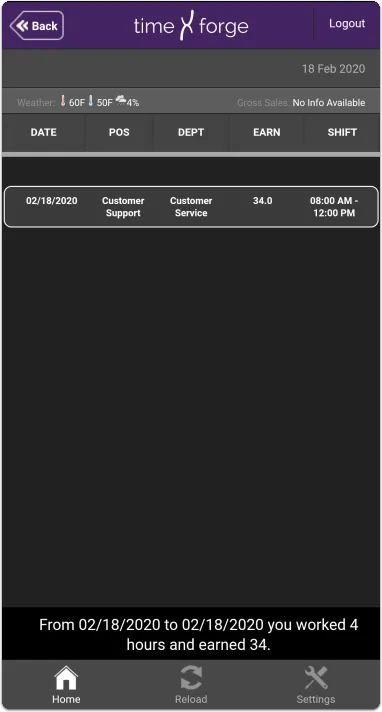
Section titled “Attendance”Under Attendance, you will see your digital timecard.