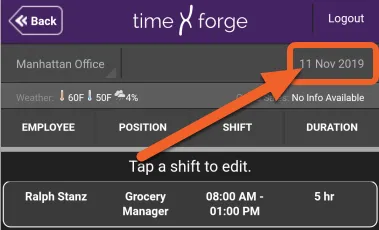
View employee attendance
The TimeForge Manager app allows you to view employee attendance (time punches) for a given date.
Tap the TODAY tile, then select Attendance Entries
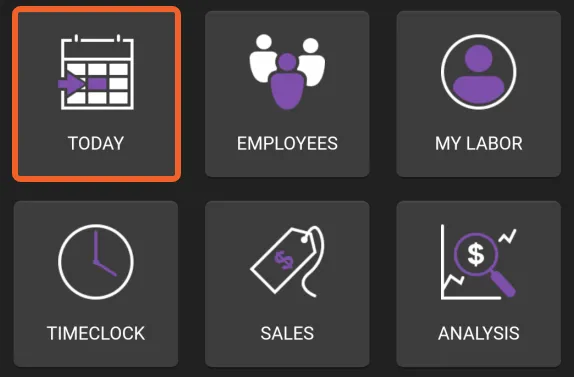
Section titled “Tap the TODAY tile, then select Attendance Entries”Attendance Entries are accessible from the Today page in the app. From the home screen, tap TODAY.
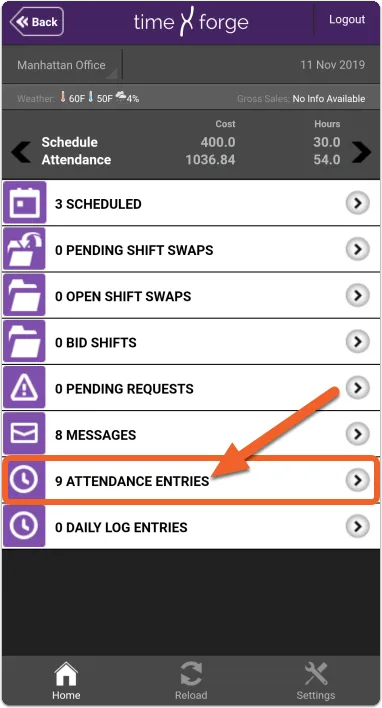
Then, tap Attendance Entries.
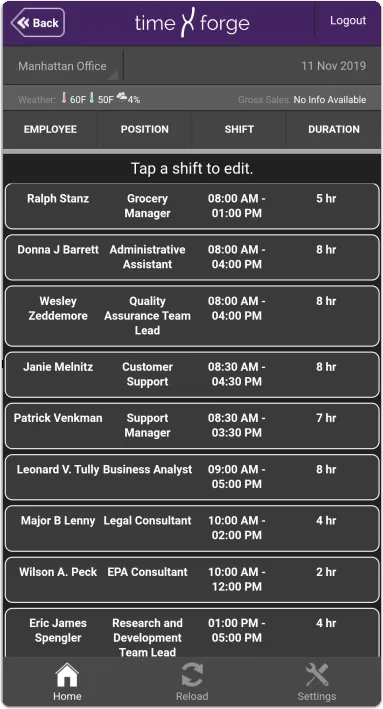
View your employees’ attendance
Section titled “View your employees’ attendance”You will be shown all attendance for the selected date. If you tap an entry, you will be taken to the TimeForge website, where you can adjust attendance.
Remember, you can tap the date in the upper right corner to bring up the date selector: