Automatically approve Bid Shifts
Bid Shifts are a way to allow employees to build their own schedules in TimeForge, saving you the hassle of needing to assign staff members to every shift. You can simply set a bid shift for a specific time and date and let your employees build part of their own schedule.
For example, a bid shift can be picked up by several qualified employees – providing management with a choice of multiple employees who want to work that shift. Bid shifts are then approved by management, and employees can choose to be notified, or not, about the approval (or denial) of the shift.
Alternatively, bid shifts can be set up be approved automatically. This is a great feature if you don’t need to be directly involved with the decision of who wins a bid. With automatic approval, the first person to make a bid is always the winner.
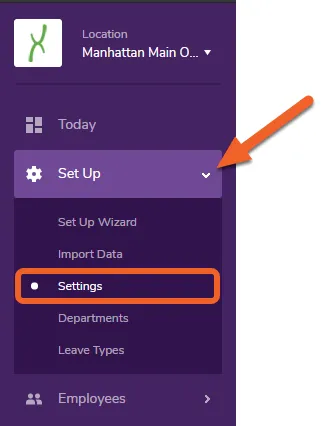
Navigate to the Settings page under the Set Up tab
Section titled “Navigate to the Settings page under the Set Up tab”While at the Location level, open the Set Up tab and select Settings from the dropdown menu.
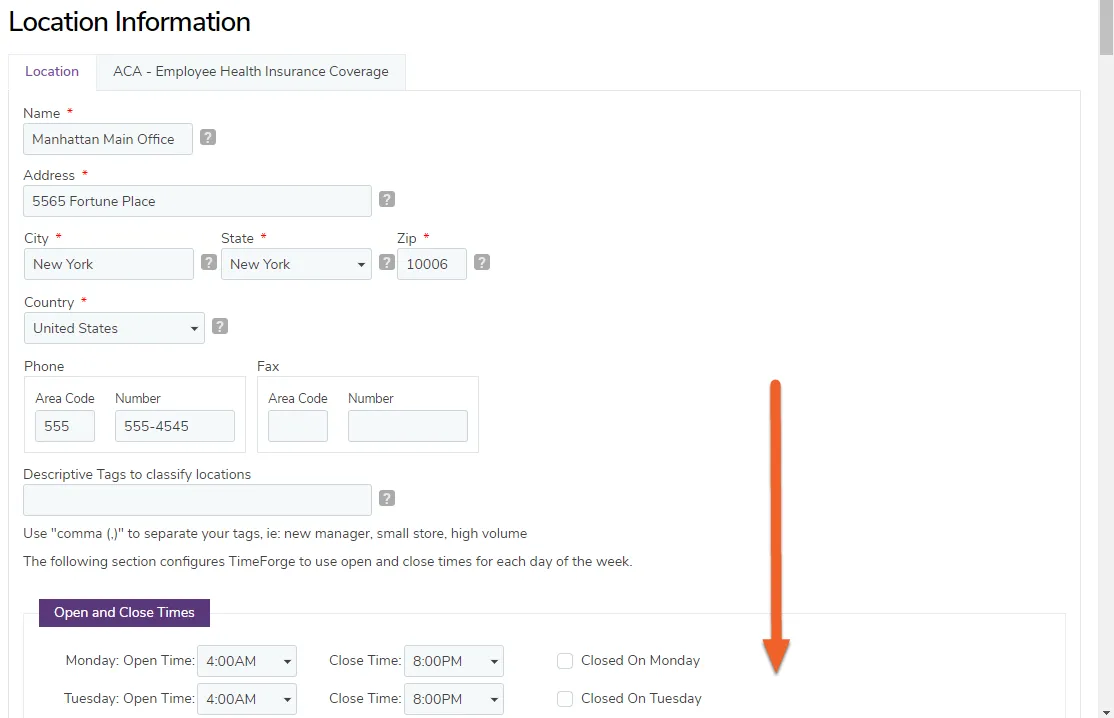
Locate the option to allow the first bid to win the shift without manager approval
Section titled “Locate the option to allow the first bid to win the shift without manager approval”The option to automatically approve bid shifts is located near the bottom of the page.
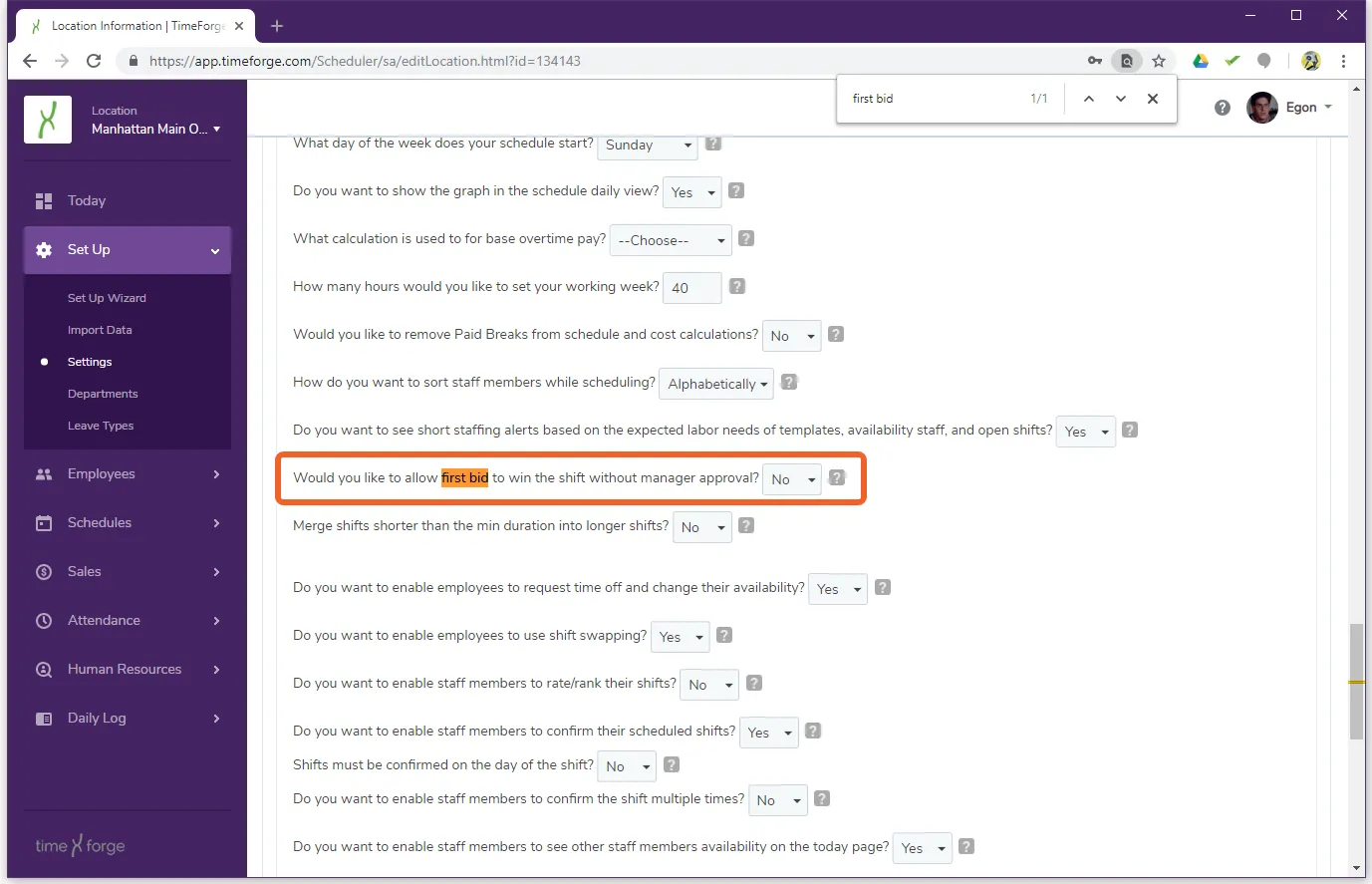
Select Yes to allow the first bid to win the shift without manager approval
Section titled “Select Yes to allow the first bid to win the shift without manager approval”
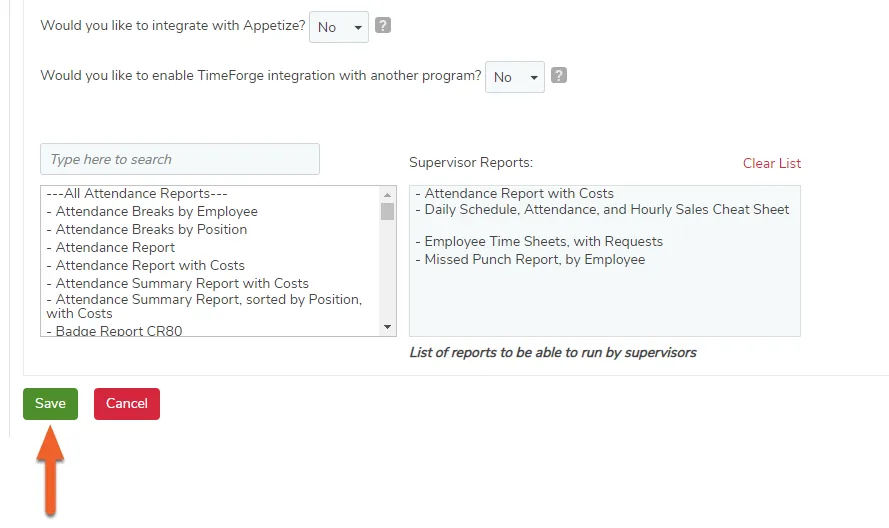
Save your changes
Section titled “Save your changes”Don’t forget to scroll down and click the Save button to save your changes!