Today Page Overview
The Today screen in the TimeForge Manager app presents many of the important pieces of information normally available through the browser, such as schedules, pending shift swaps, open shift swaps, bid shifts, pending requests, messages, attendance, and daily logs.
The Today Page in the app
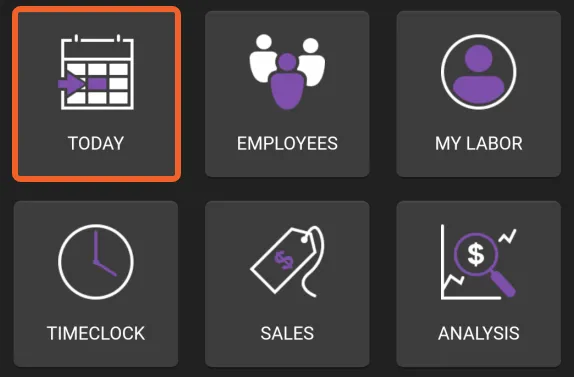
Section titled “The Today Page in the app”To reach the Today page, tap the TODAY tile:
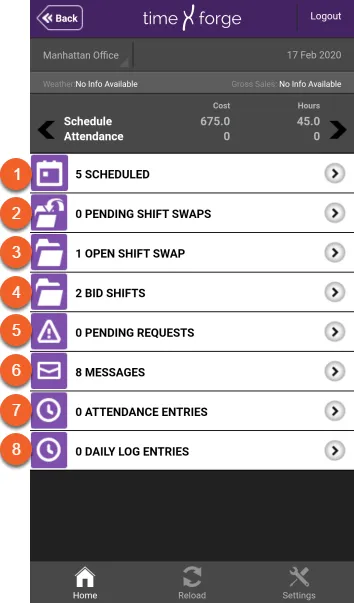
The Today page allows you to view:
- Who is Scheduled
- Pending Shift Swaps
- Open Shift Swaps
- Bid Shifts
- Pending Requests for availability or time off
- Messages you have received
- Attendance / Time punches
- Daily Log Entries
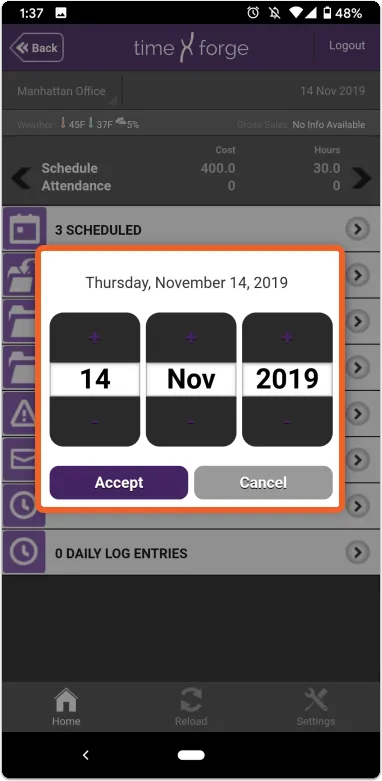
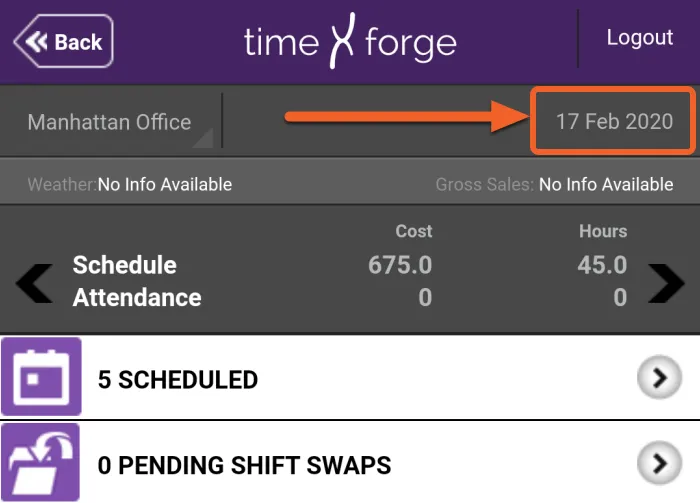
By default, the app will show the current date. To select a different day, tap on the date on the top right to bring up the slider.
Then, use the slider to select the desired date: