

Enter your Actual Sales values
You may want to enter Actual Sales values to more accurately track sales figures for your business, which can help you predict future sales. Actual Sales figures can be analyzed and viewed in your TimeForge Reports. The ability to predict future sales enables you to build more profit-optimal schedules by estimating the amount of business you will encounter during a certain time period, reducing the likelihood of over staffing or under staffing.
Go to Actual Figures
Section titled “Go to Actual Figures”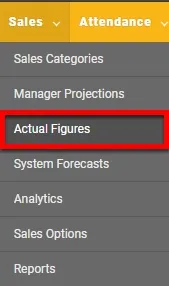
Actual Figures
Section titled “Actual Figures”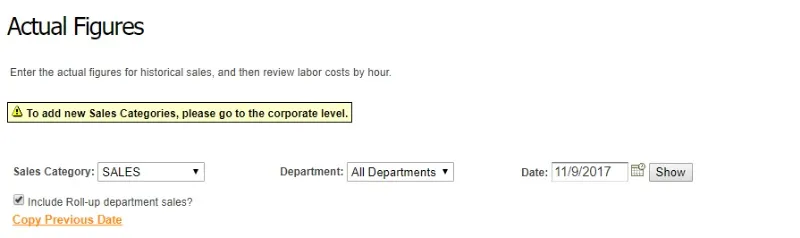
To view the Actual Figures chart, select the sales type, the department, and the date. Actual Figures do not show weeks in the future, only the past and present weeks.
Enter Values
Section titled “Enter Values”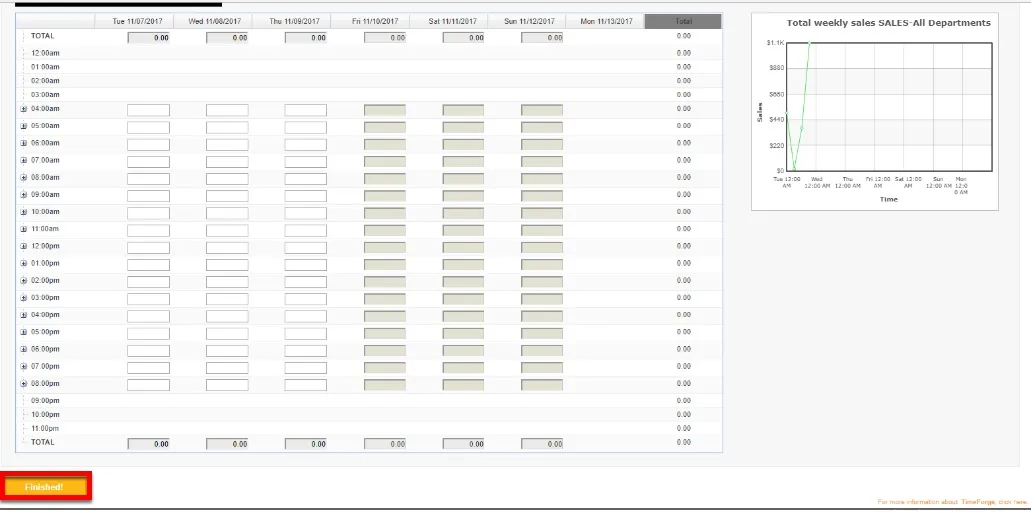
Insert the Actual Sales Values and remember to click the Finished button after completing work.