View your attendance
The TimeForge Mobile App allows you to view your attendance for the current day, as well as previous attendance (timecard) entries.
Select My Attendance from the side menu
Section titled “Select My Attendance from the side menu”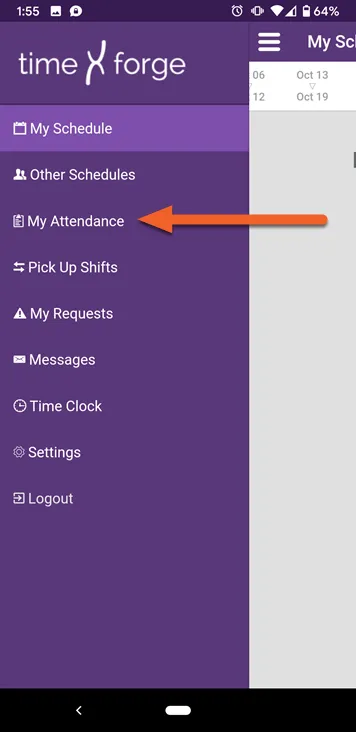
View your weekly and daily attendance
Section titled “View your weekly and daily attendance”By default, the page will open to the current week. Just below the date selector, you’ll see your total hours and estimated earnings for the week:
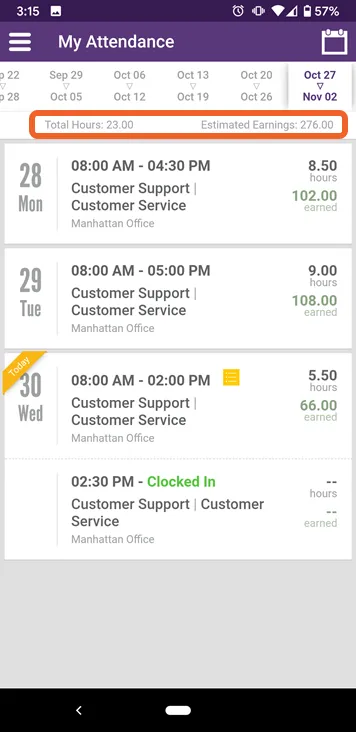
You’ll also see a daily breakdown of hours and dollars earned according to your attendance.
The current date will be highlighted with a “Today” ribbon in the upper left. If you have left any shift notes, the entry will also be marked by a list icon. The app will also let you know if you’re clocked in:
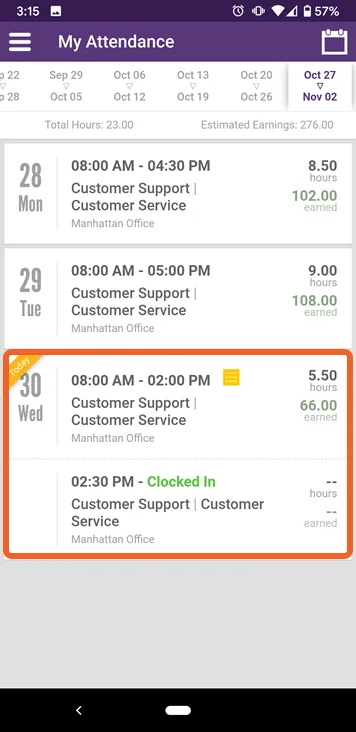
Tap a shift to view any notes
Section titled “Tap a shift to view any notes”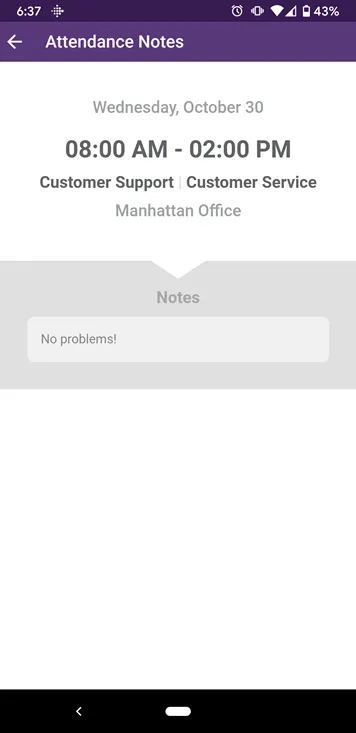
Swipe to view previous attendance
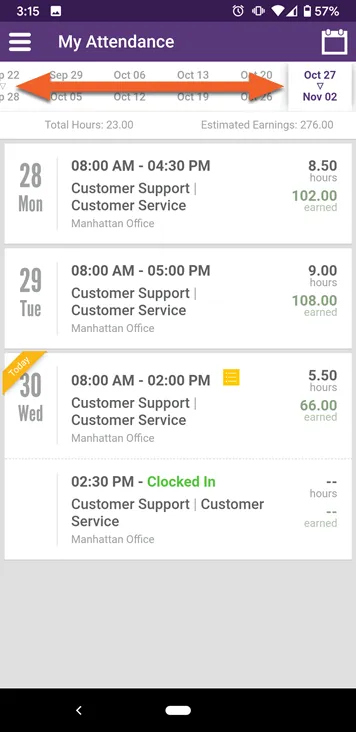
Section titled “Swipe to view previous attendance”To view previous attendance, swipe the date selector: