Edit or delete an availability or time off request
Editing and deleting requests and changing availability is easy with TimeForge! Prior to manager approval, Pending Requests can be edited or deleted. After a request is approved by management, you cannot edit the request, but you may delete it.
Click the Requests tab to go to your requests page
Section titled “Click the Requests tab to go to your requests page”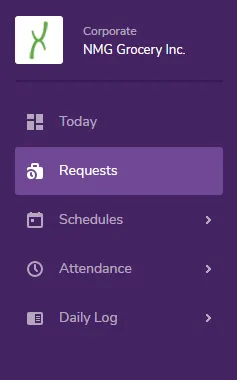
Requests that are not yet Approved can be Edited
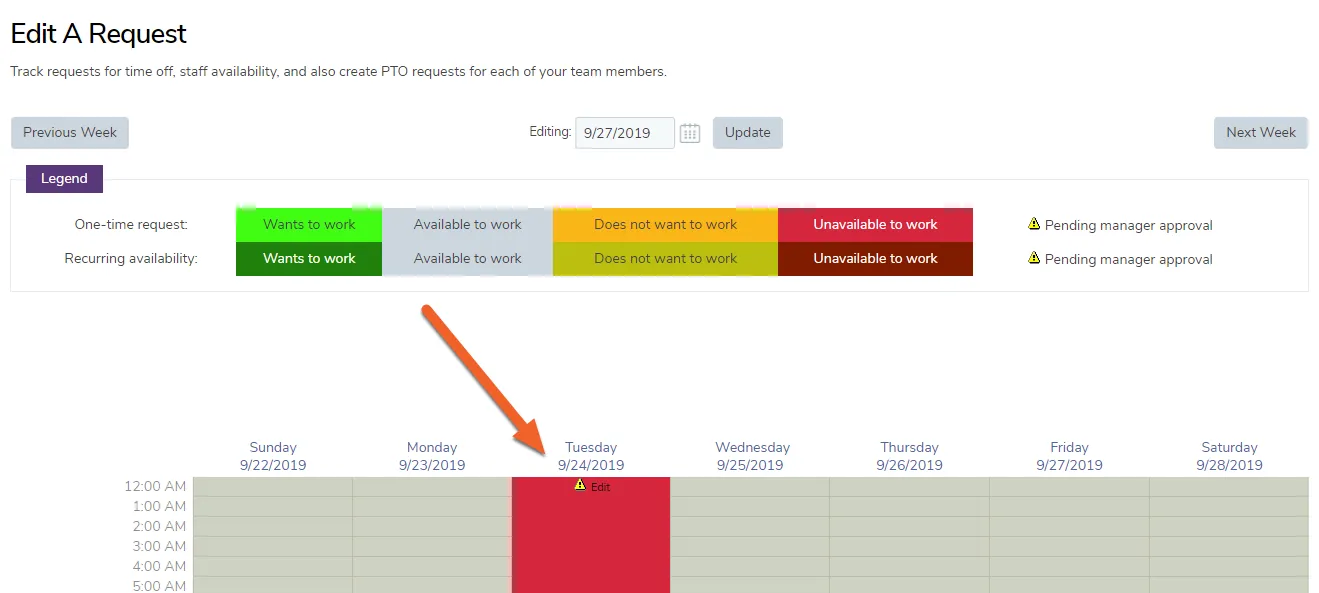
Section titled “Requests that are not yet Approved can be Edited”Requests that are pending manager approval can be seen on your Request Calendar with a small caution icon next to them. These requests may also be edited or deleted.
Delete or Edit a Pending Request
Section titled “Delete or Edit a Pending Request”Click the Edit link to bring up the request form.
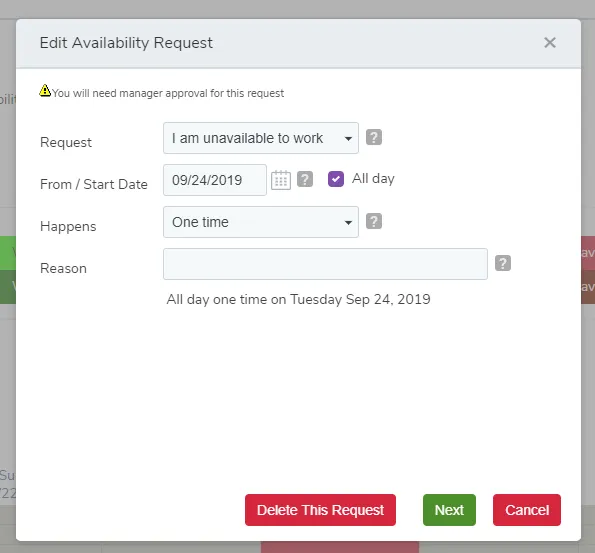
If you have made a mistake in the request, you can edit or delete the request from this screen, prior to manager approval.
Pending Requests
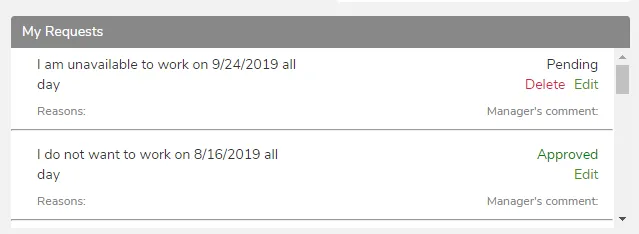
Section titled “Pending Requests”After a request or change to availability has been made, you can see the request and status on your Today page.