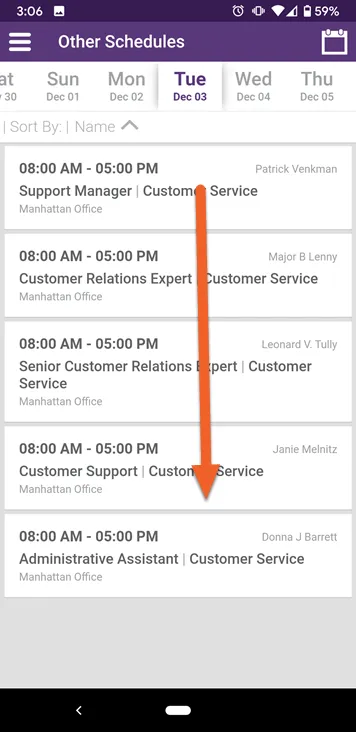
View other employees' schedules
Curious to see who else is working with you? Maybe you need to view another employee’s schedule to swap a day off? You can view other schedules from within the Employee Mobile app. Here’s how.
Select Other Schedules from the menu
Section titled “Select Other Schedules from the menu”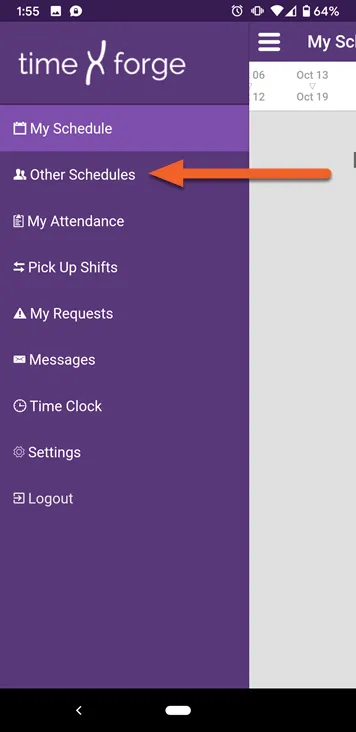
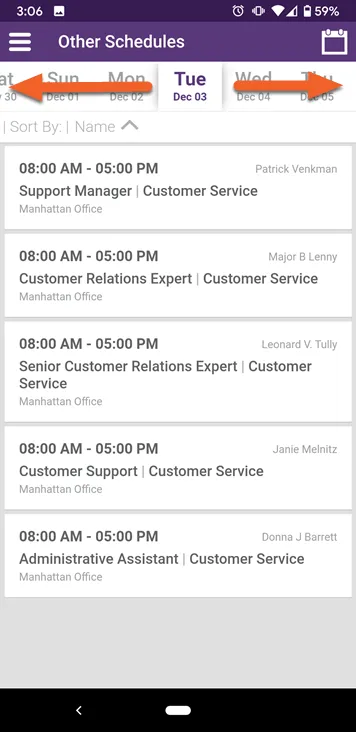
Swipe right or left to view past/future days
Section titled “Swipe right or left to view past/future days”As when viewing your own schedule, you can swipe right or left to view dates in the past or in the future.
Swipe up and down to view additional shifts for the same day
Section titled “Swipe up and down to view additional shifts for the same day”If there are many scheduled shifts at your location, you can view them by scrolling down the page.