Read your messages
You can read your TimeForge messages anytime using the Employee Mobile App! Here’s how to check your messages and stay up-to-date about your schedule.
Select Messages from the menu
Section titled “Select Messages from the menu”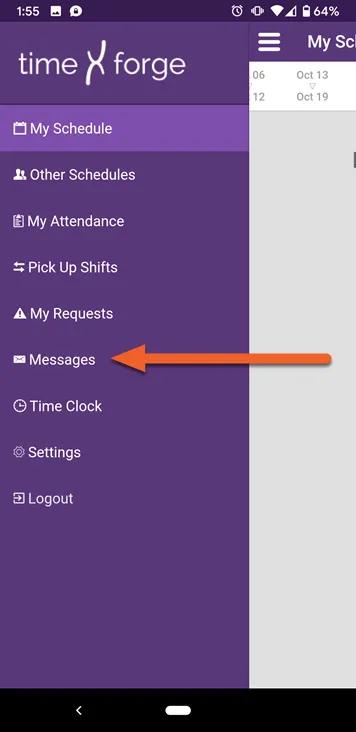
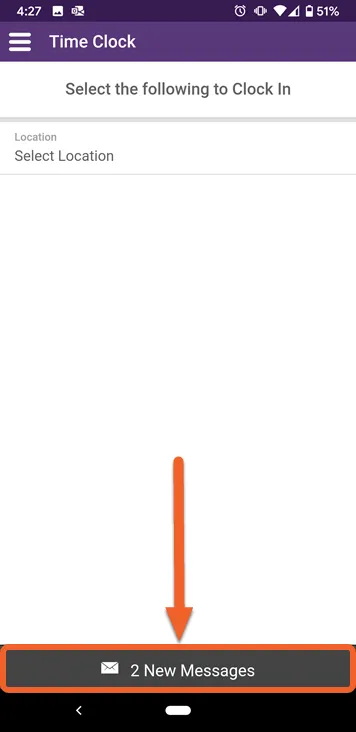
If you have new messages when you log in, you’ll also see a bar at the bottom of the screen, which you can tap to go straight to your messages:
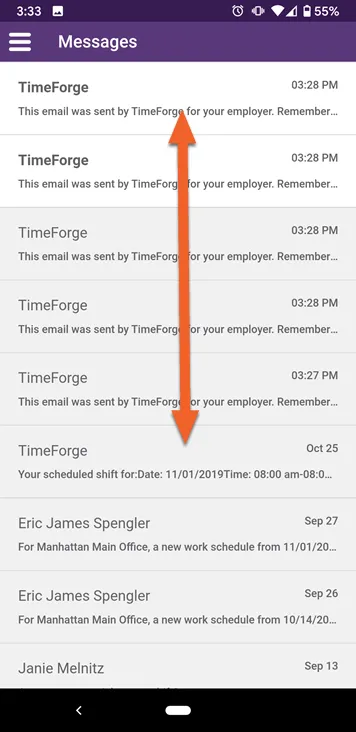
Swipe up and down to view the list
Section titled “Swipe up and down to view the list”You can navigate through read and unread messages by swiping up and down.
- Messages in white are unread.
- Messages in gray are read.
Select a message to view it
Section titled “Select a message to view it”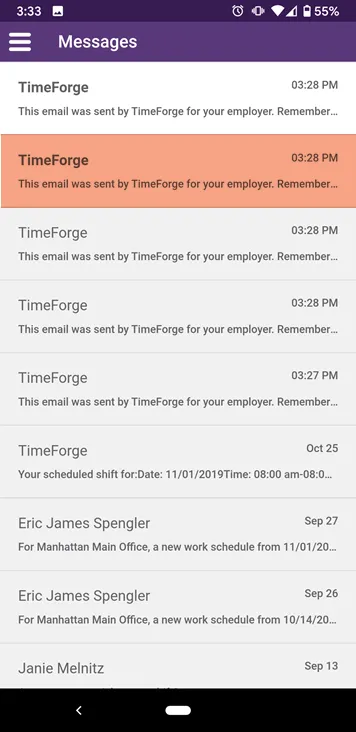
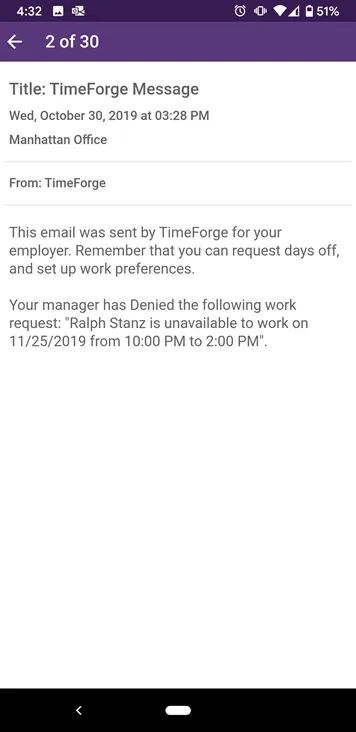
Here’s an example of a message indicating that a manager has reviewed an employee’s time off request: