Skip to content
TimeForge Guides
Search
Ctrl
K
Cancel
866-684-7191
Submit a ticket
Select theme
Dark
Light
Auto
Menu
Getting Started
Manager Guides
Employee Guides
Hardware & Integrations
What's New
Hardware & Integrations
Timeclocks & Scanners
Setup and Installation
Enroll a fingerprint on the Biometric TimeClock
Download Setup and Installation
PDF
Clocking In/Out
Log in using the M2SYS USB Fingerprint Scanner
Clock in with the USB FingerPrint Scanner
Download Clocking In/Out
PDF
Troubleshooting
Locate the IP address of the Biometric TimeClock
Locate your computer's IP address
Check the translator and connector of the Biometric TimeClock
I have one employee whose fingerprint never works. Why? How should they clock in?
Download Troubleshooting
PDF
The Time Machine
Enroll Employee Fingerprints on the Time Machine
How to Use the Time Machine (Employee Guide)
How to Use the Time Machine (Manager Guide)
Installing the Time Machine
Update your Time Machine timeclock
Download The Time Machine
PDF
Integrations
General Setup
Set up a web service username and password
Download General Setup
PDF
Aloha
Integrate TimeForge with Aloha POS
Download Aloha
PDF
Dinerware
Install TimeForge with Dinerware Point of Sale
Configure TimeForge with Dinerware Point of Sale
Define menu items for Sales Forecasting with Dinerware POS
Add employees to TimeForge with Dinerware POS
TimeForge and Dinerware with Scheduling Enforcement
TimeForge Attendance with Dinerware POS
Download Dinerware
PDF
ISS45
Install TimeForge on ISS45
Download ISS45
PDF
Restaurant Manager
Install TimeForge with Restaurant Manager Point of Sale
Configure TimeForge with Restaurant Manager Point of Sale
TimeForge and Restaurant Manager
Download Restaurant Manager
PDF
QuickBooks
Install TimeForge with QuickBooks
Configure TimeForge with QuickBooks
Install TimeForge with Quickbooks 2013
Run payroll with TimeForge and QuickBooks
Allow TimeForge access to QuickBooks data
Download QuickBooks
PDF
Download all Hardware & Integrations
PDF
866-684-7191
Submit a ticket
Select theme
Dark
Light
Auto
Hardware & Integrations
›
Integrations
›
QuickBooks
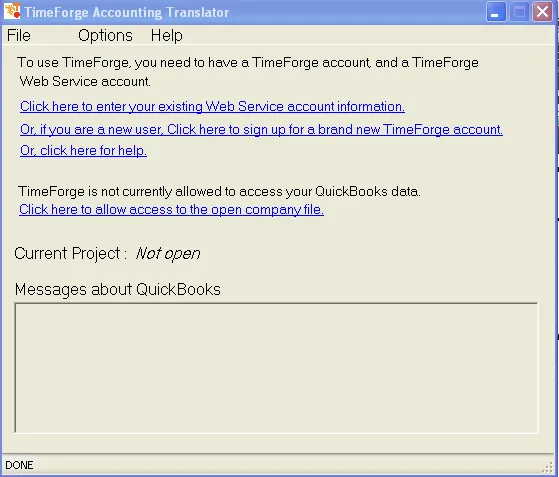
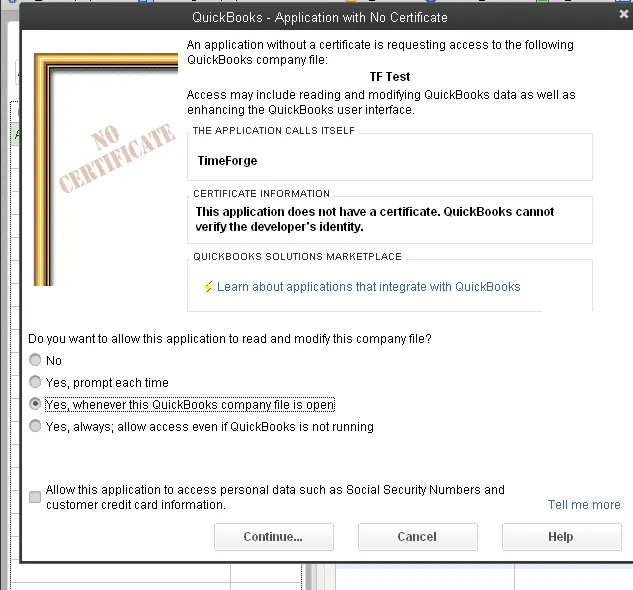
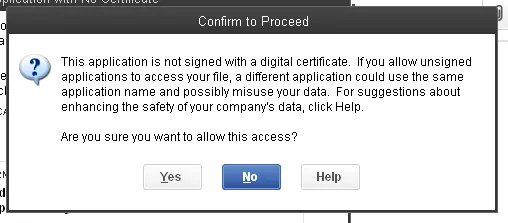
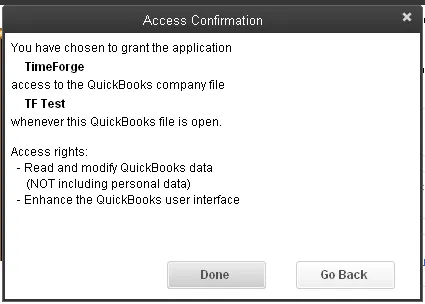
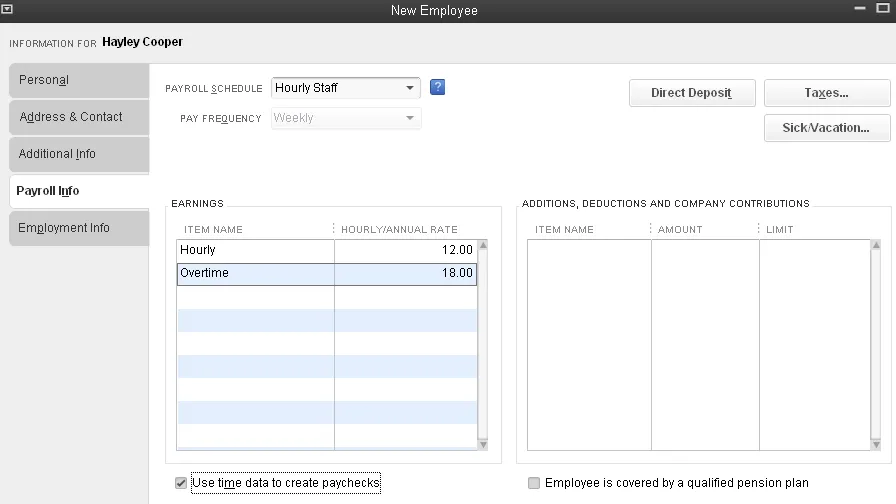
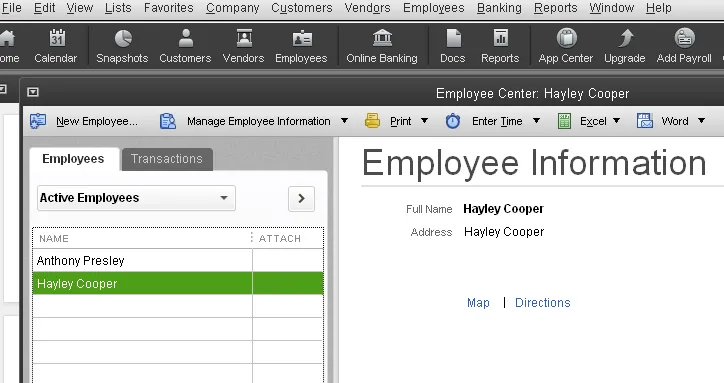
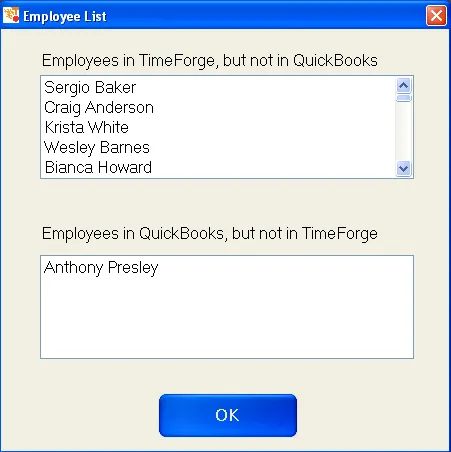
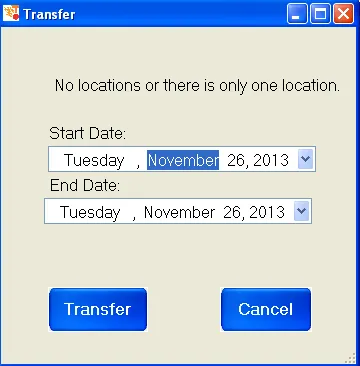
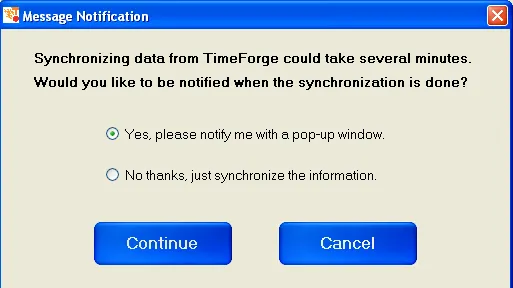
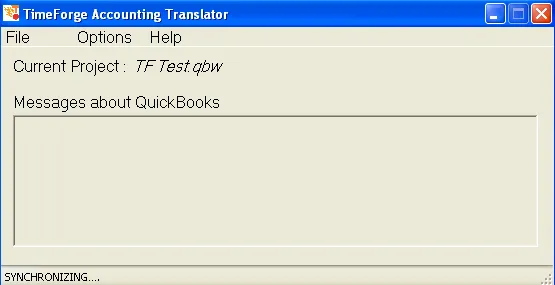
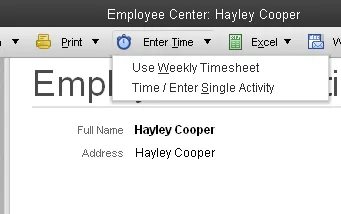
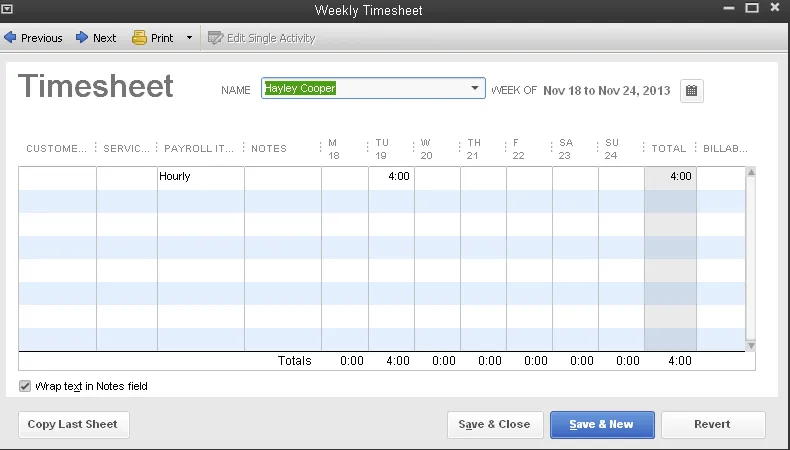
Install TimeForge with Quickbooks 2013