Clock in with the USB FingerPrint Scanner
The steps below will walk you through the process of clocking in with the Standalone Timeclock and USB Fingerprint Scanner.
Scan your fingerprint to log in
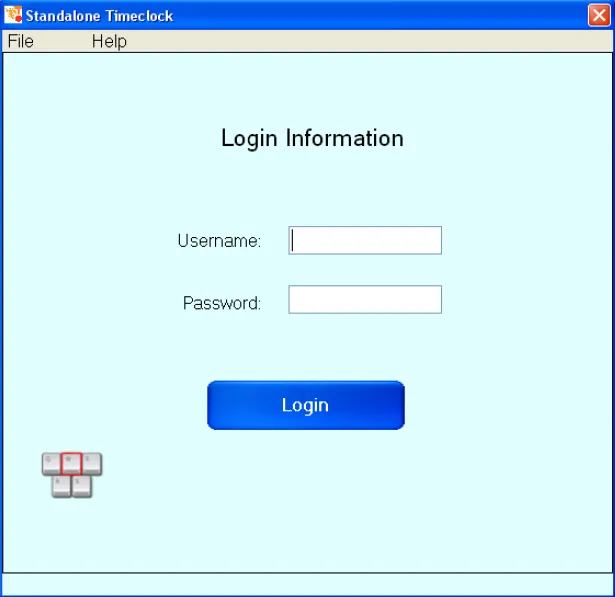
Section titled “Scan your fingerprint to log in”If you’re using the TimeForge fingerprint scanner, simply place your finger on the scanning pad to log in. Otherwise, enter your username and password and click “Login” to continue.
Clock in
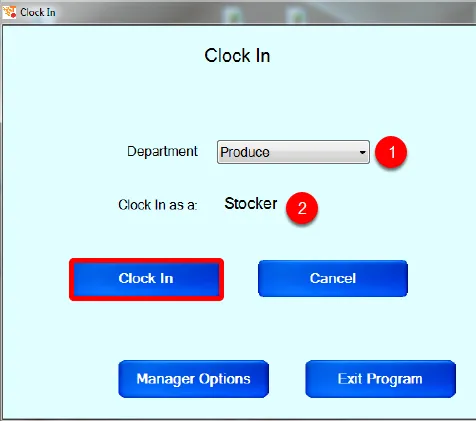
Section titled “Clock in”After you log in, select the following information:
- The department to which you would like to clock in.
- The Position for which you would like to clock in.
Then, simply click the “Clock In” button. That’s all there is to it!