

Reset your password when you can't log in
TimeForge has a quick and easy password reset utility that allows you to reset your password anytime as long as you have an email address associated with your account. This method replaces the old password reset option that required employees to remember a secret question and answer.
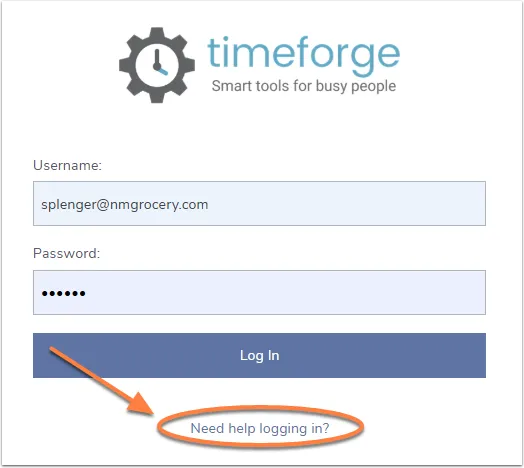
From the login page, click the “Need help logging in?” link
Section titled “From the login page, click the “Need help logging in?” link”Navigate to the login page, then click the link directly under the Log In button to begin.
Click ‘Forgot my password’
Section titled “Click ‘Forgot my password’”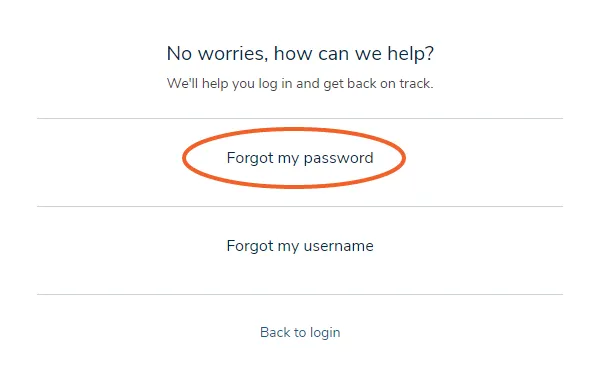
Enter your email or username
Section titled “Enter your email or username”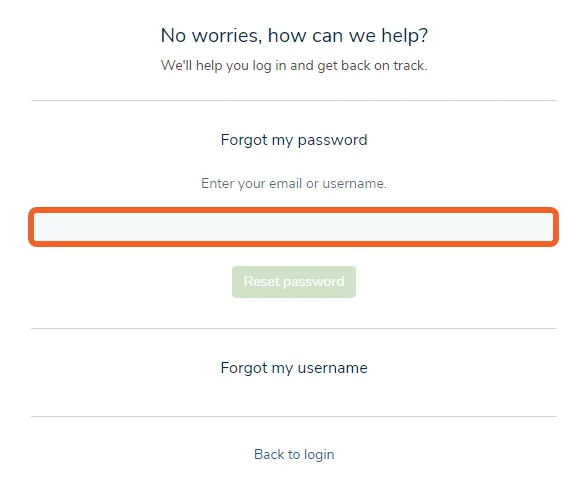
Click the ‘Reset password’ button
Section titled “Click the ‘Reset password’ button”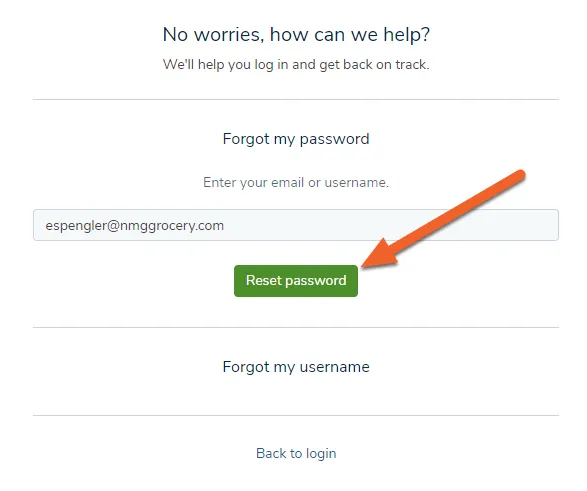
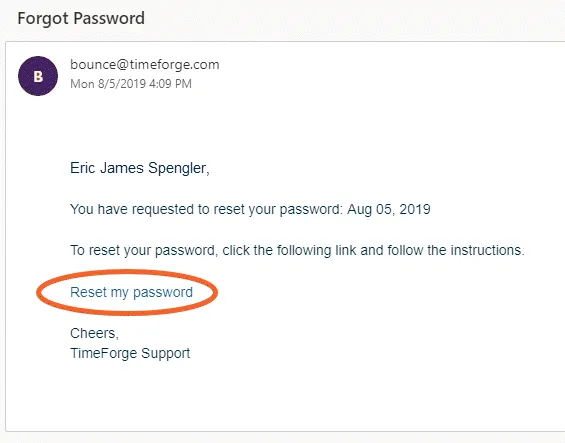
An email with a reset password link will be sent to the email address associated with your TimeForge account. Follow the instructions to reset your password.
Once you’ve reset your password, you’ll be taken back to the login page. Use your new password to log in!