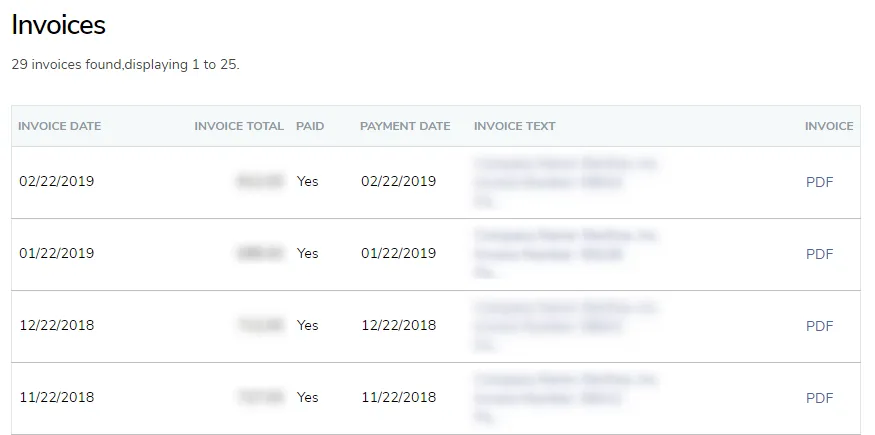
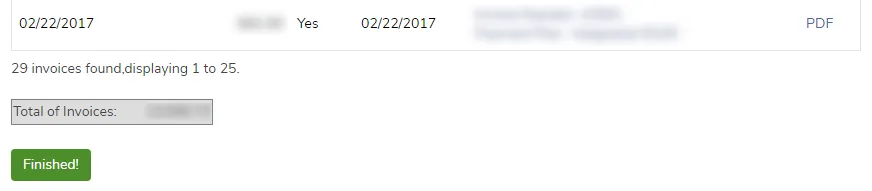
View previous invoices
TimeForge electronically stores your payment history so that you don’t have to worry about keeping up with a pile of paper invoices. You are able to view previous invoices at any time, no matter what features of TimeForge you’re using.
However, for security purposes, you will need to either be the account creator, or have authorization from the account creator, in order to view past invoices.
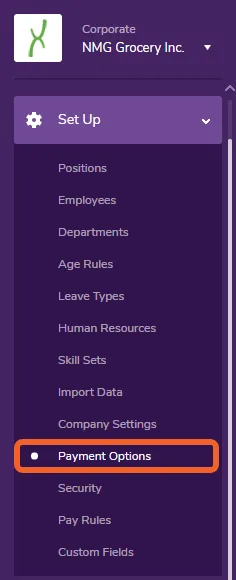
Go to the Payment Options page under the Set Up tab
Section titled “Go to the Payment Options page under the Set Up tab”Open the Set Up tab and select Payment Options.
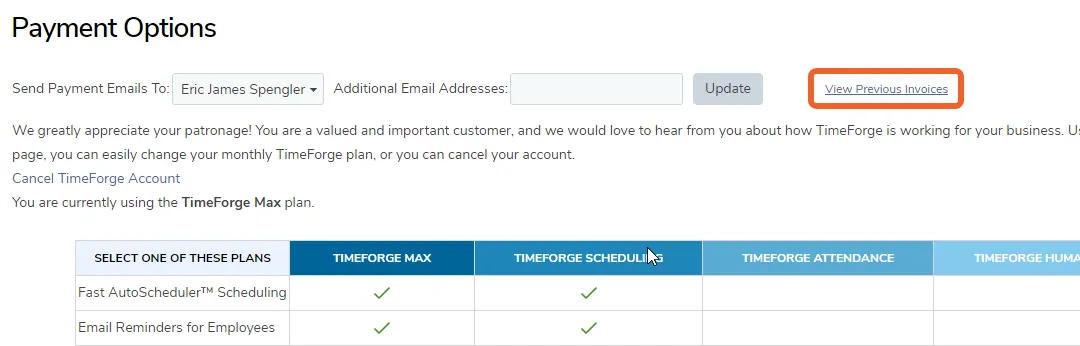
Click the “View Previous Invoices” link
Section titled “Click the “View Previous Invoices” link”You should see a link to the right of the Update button. Click this link to view your previous invoices.
View your invoices
Section titled “View your invoices”You can quickly view all of your invoices for each month you’ve been with us. Just click on the Invoice Text for a given date or click the PDF link to view, save, or print a PDF copy of the invoice. Also, at the bottom of your invoices page, you can see a total cost of all your invoices.